Smart Scan
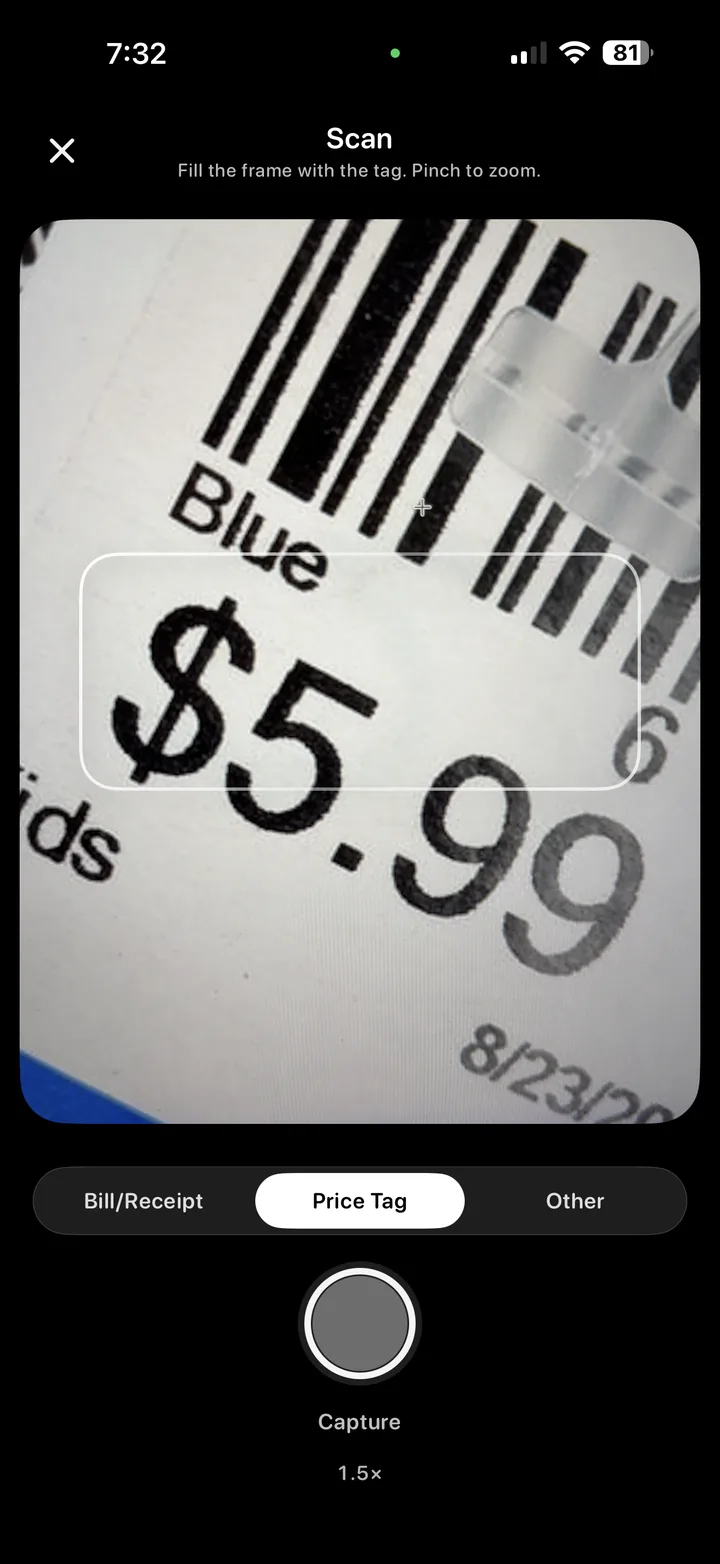
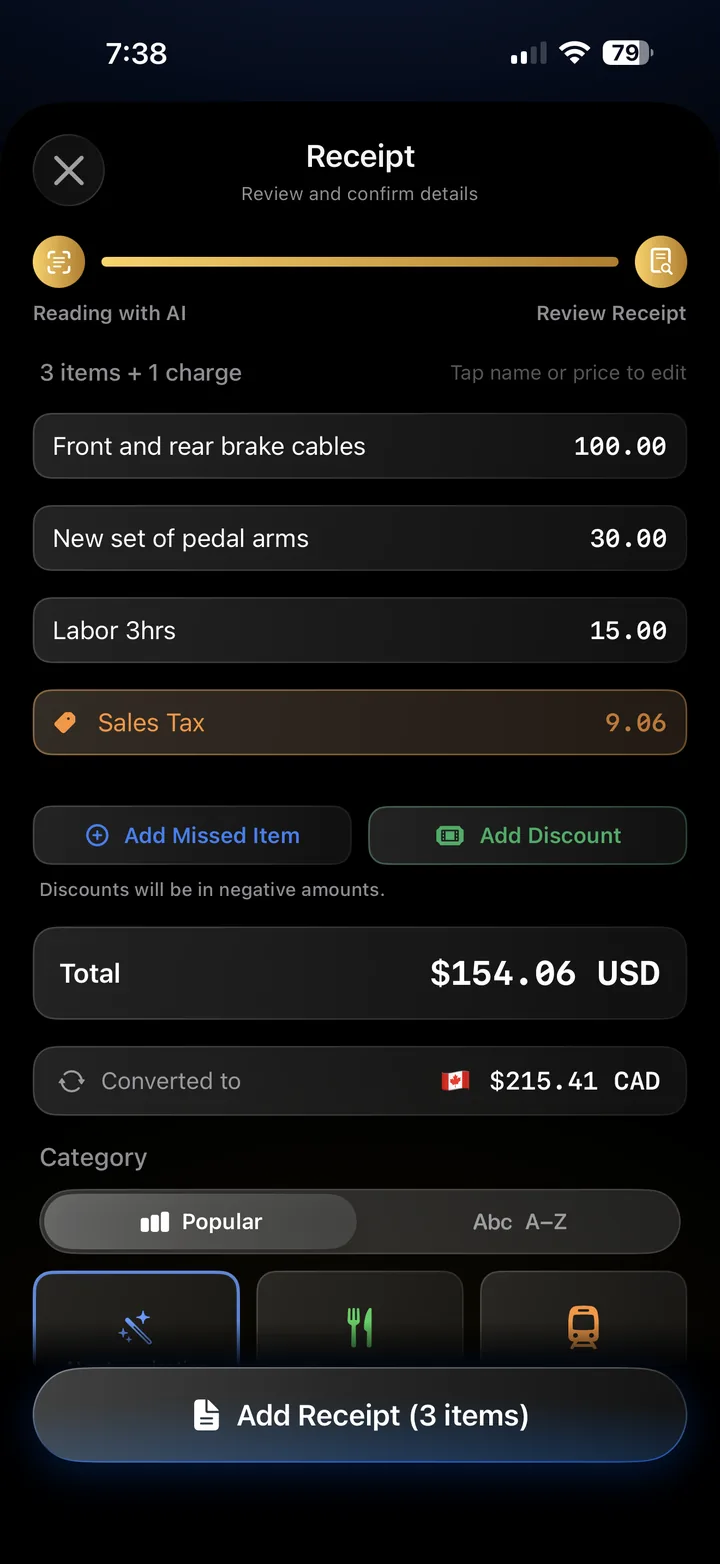
Camera-powered extraction reads prices, currencies, and totals from any receipt.
TripSum is an iPhone app for tracking travel spending in your home currency. Scan a receipt or price tag and watch your trip budget update, offline and in 150+ currencies, with shared trips and a built-in AI assistant.
No spreadsheets, no typing in numbers and no guessing at exchange rates.
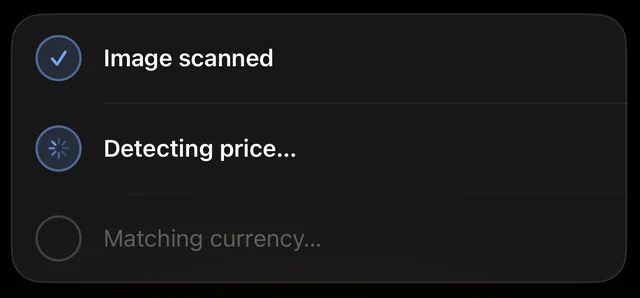
Point your camera at any receipt or price tag, and TripSum reads the amount and currency.
See the price in your home currency — right there, in real time.
Watch your trip budget update with every purchase, so your bank statement holds no surprises.
Scan, convert, track — watch the whole flow in under a minute.
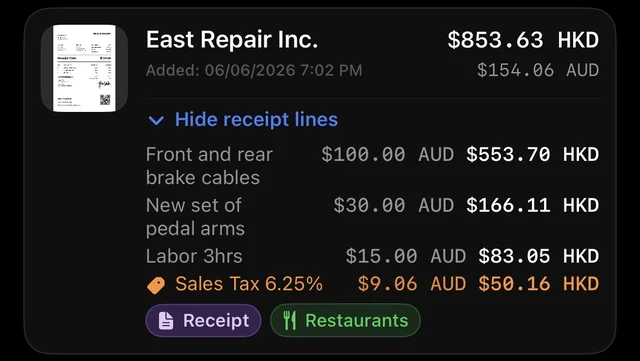
Camera-powered extraction reads prices, currencies, and totals from any receipt.
Live exchange rates update on their own, for everything from dollars to dong.
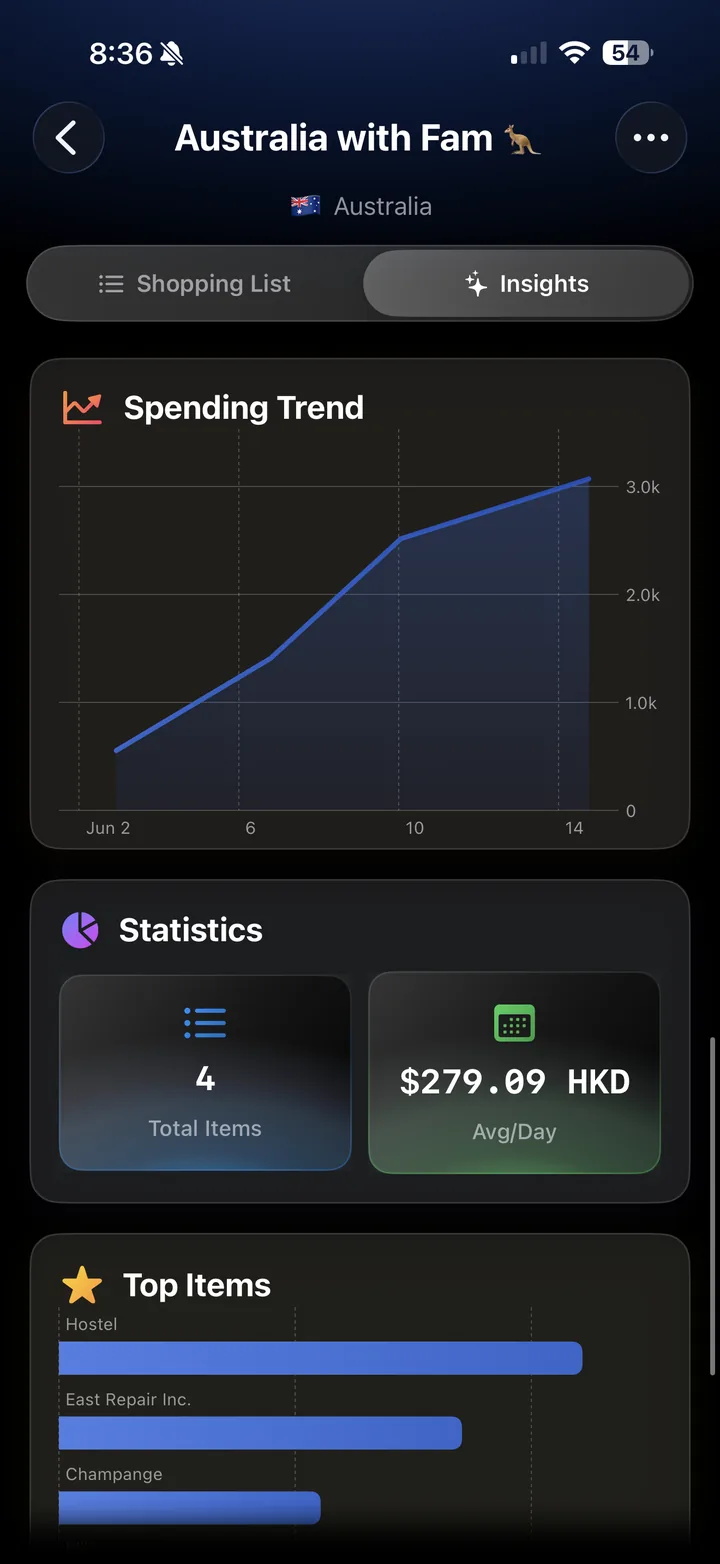
Charts show where your money goes by category and by day, so spending patterns are easy to spot.
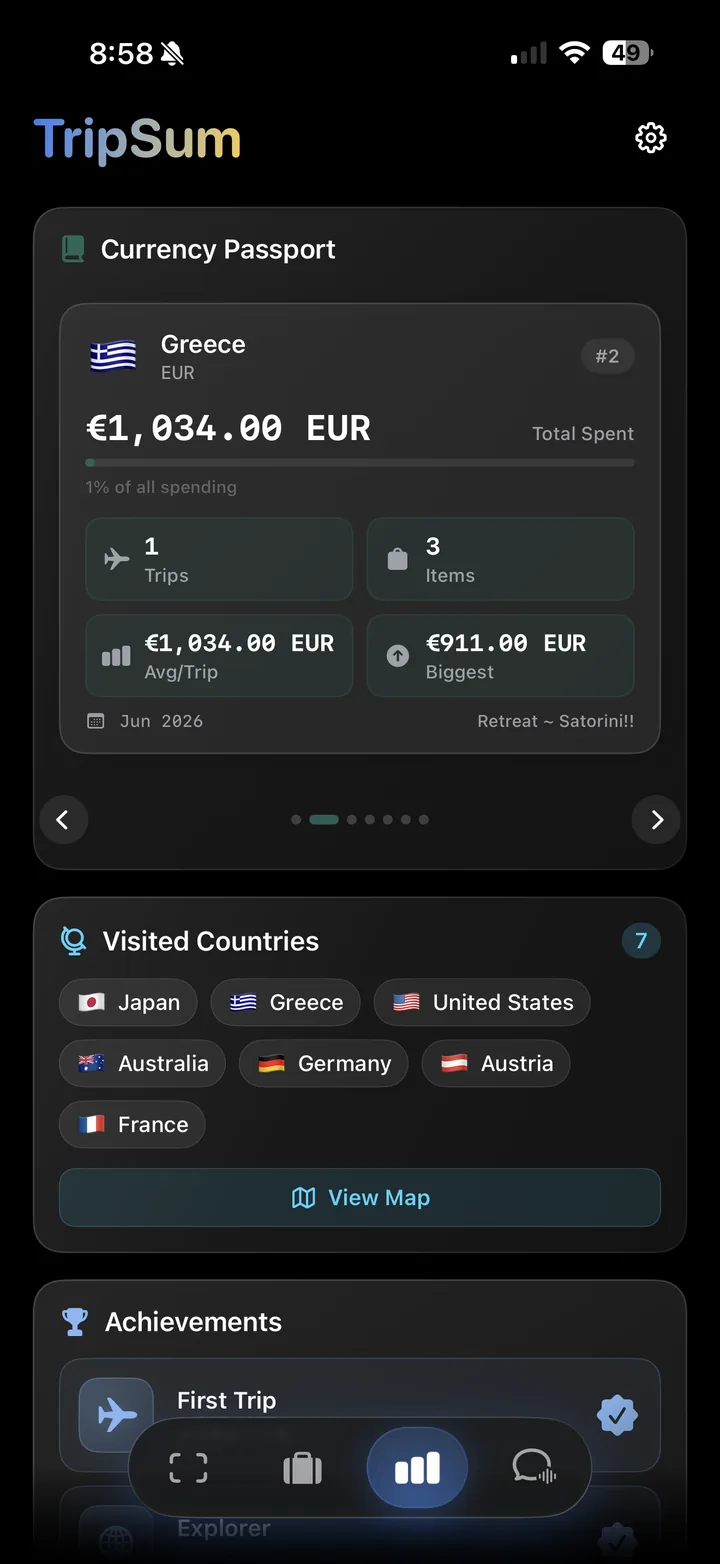
See every country you’ve visited and what you spent in each currency, and unlock achievements along the way.
Exchange rates are saved on your phone, so you can scan and convert anywhere with no signal.
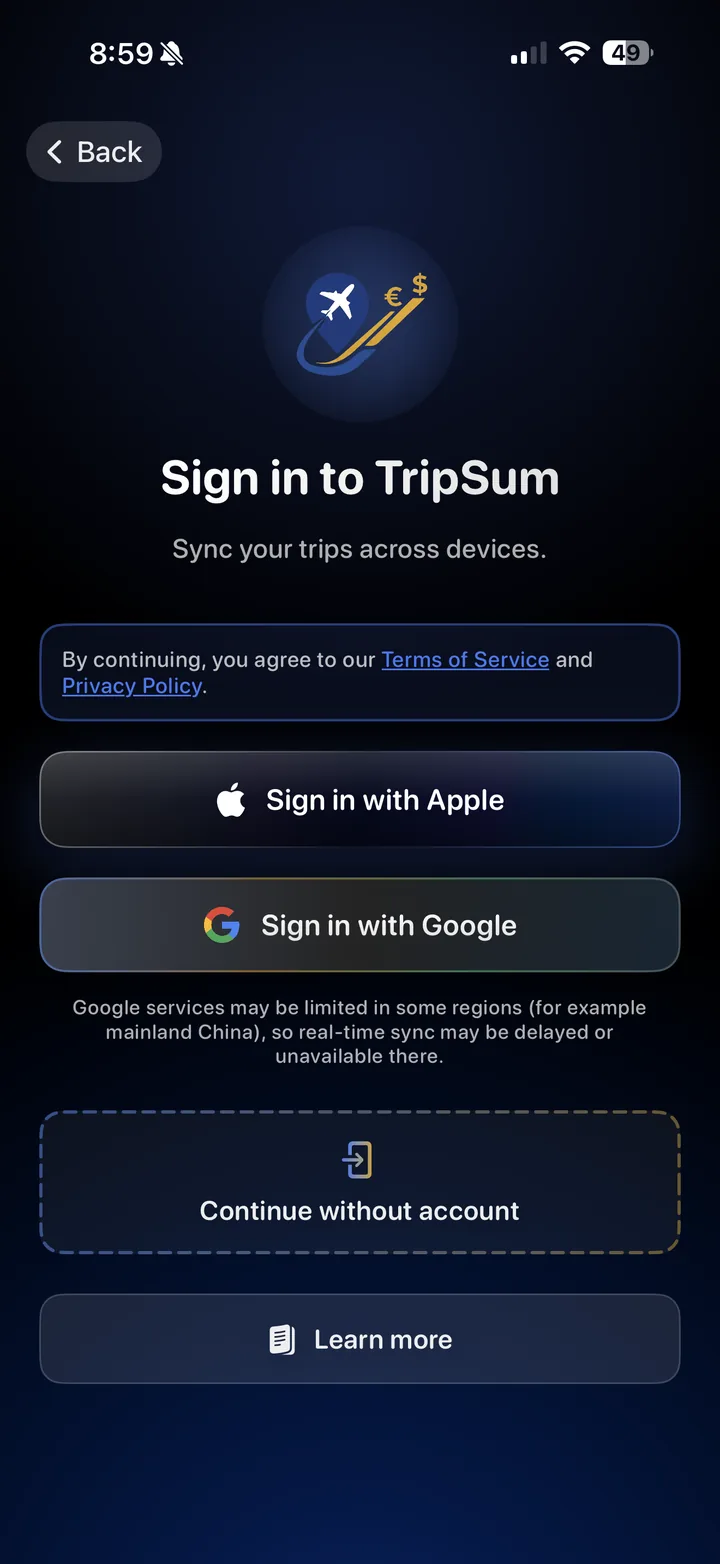
Sign in with Apple or Google and your trips sync to the cloud. Or skip the account and keep everything on your phone.
Foreign labels stop making sense the moment you land.
Scan any tag or receipt and TripSum shows the price in your currency and the trip’s side by side, so there’s no mental math.
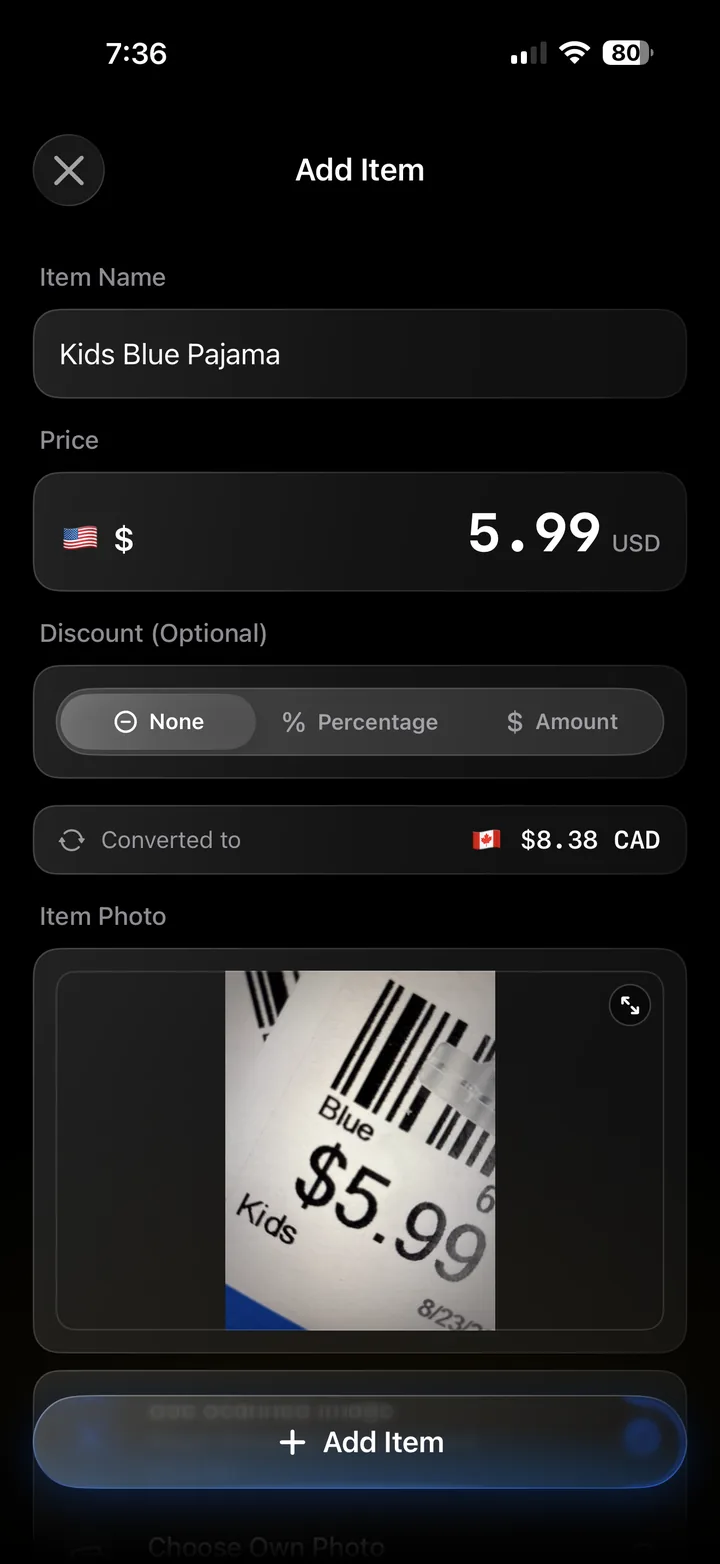
Nobody wants to type numbers into a calculator while holding shopping bags.
TripSum’s camera reads prices, currencies, and totals automatically. AI does the work so you don’t have to.
Statement shock: you only find out you overspent when the bank statement arrives at home.
Set a budget per trip. TripSum updates it with every purchase and shows your day rate, so you always know what you can still spend.
Try free on the App Store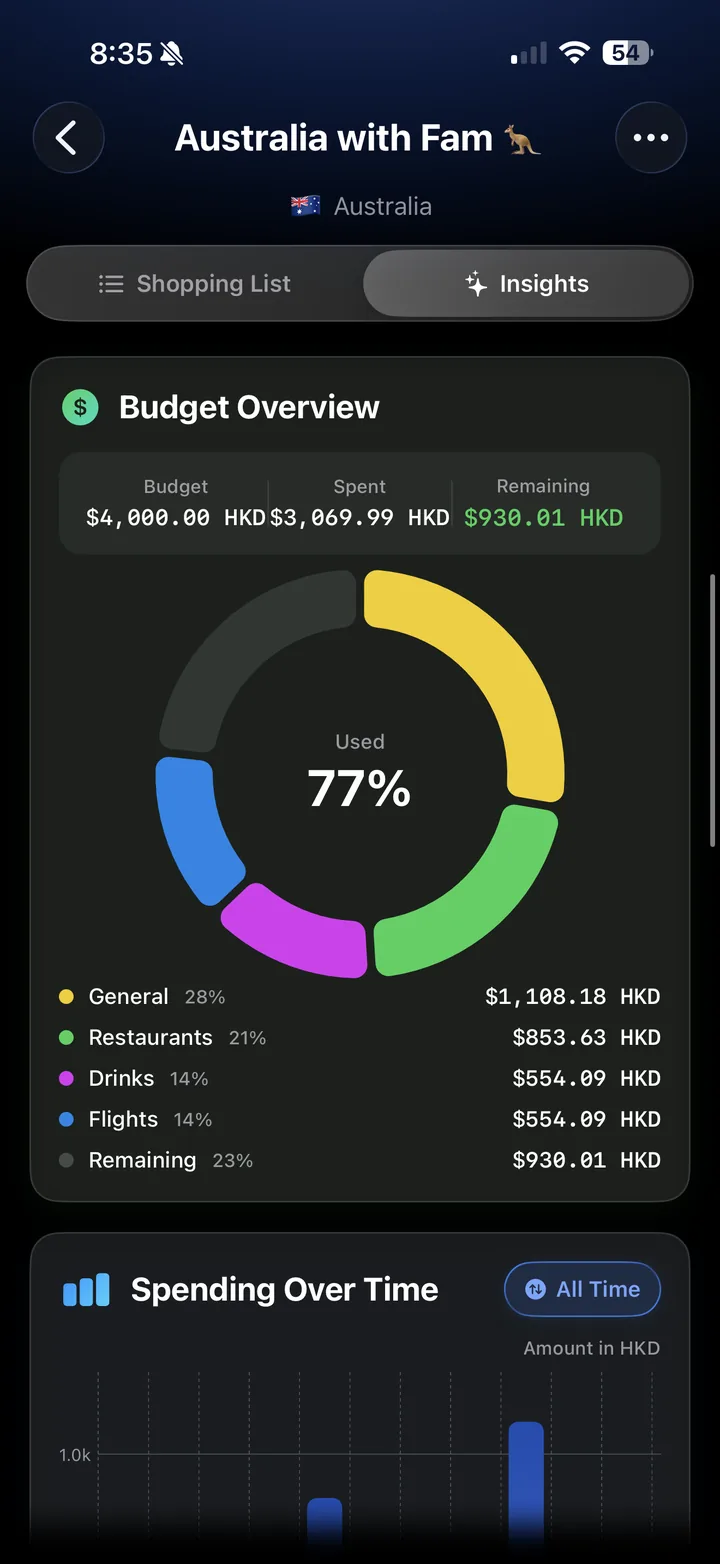
You review expenses after the trip, when it’s too late to act.
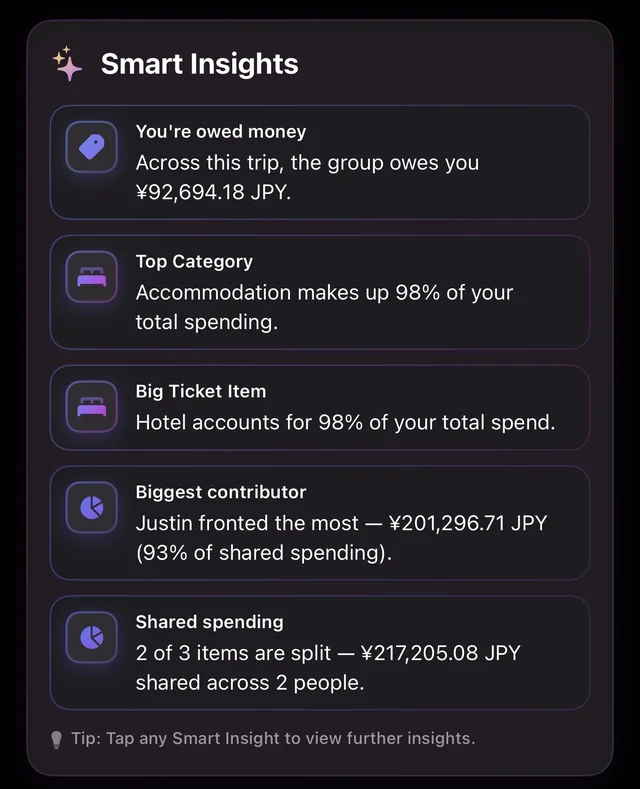
TripSum analyses your spending patterns in real time and gives you personalised insights to help you spend smarter — while you’re still travelling.
Summit is TripSum’s built-in AI assistant. Tell it what you spent, ask how your budget’s doing, or plan a whole trip — in plain language, by voice or text. It logs expenses, creates trips, converts currencies, and answers instantly.
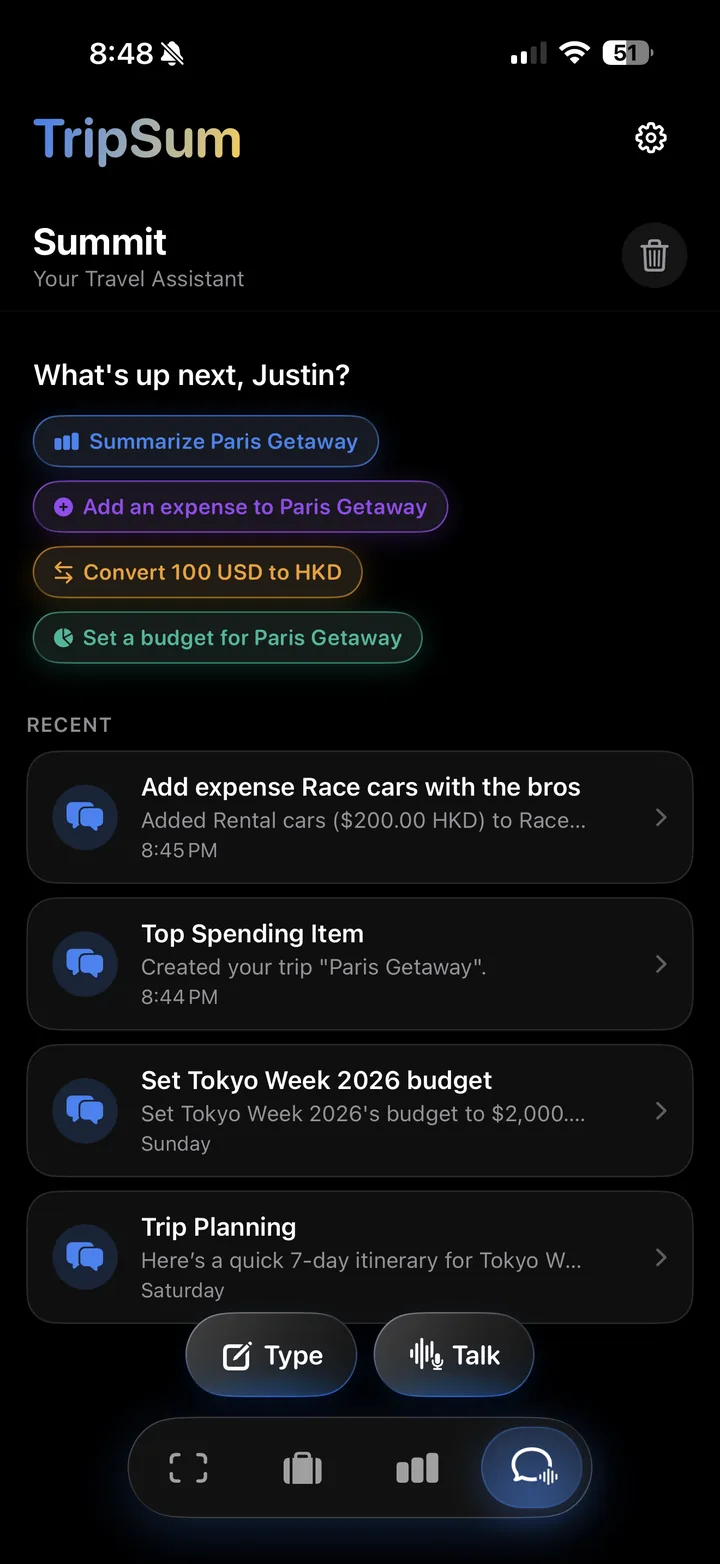
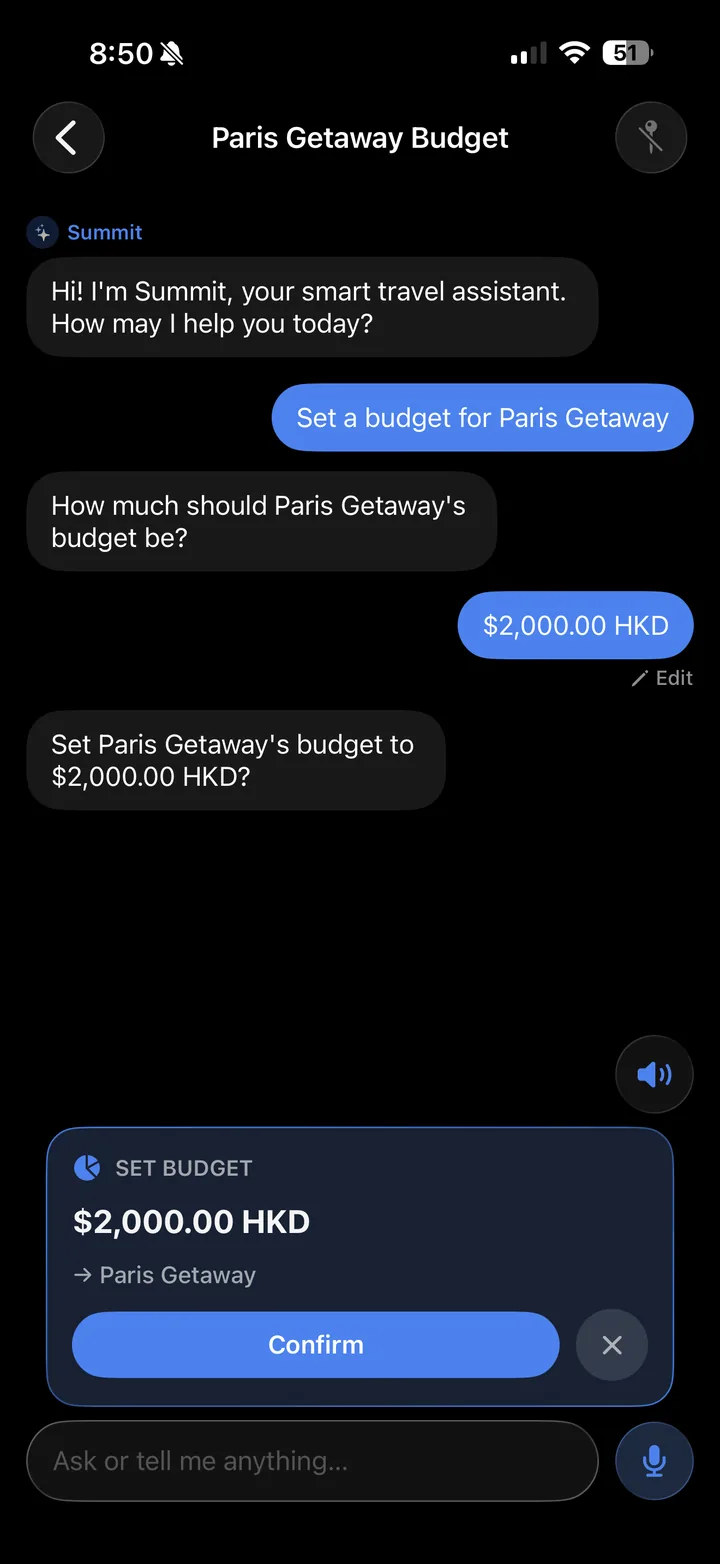
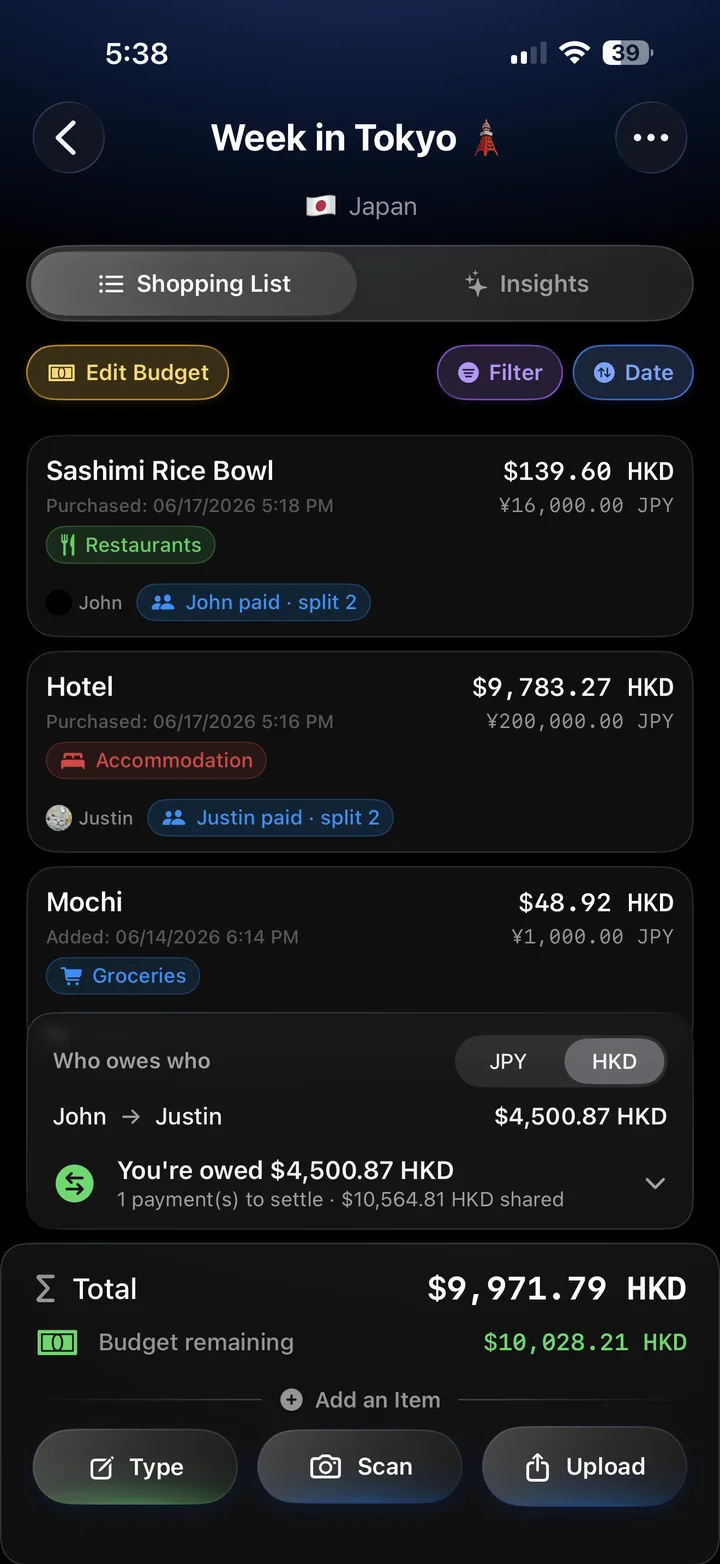
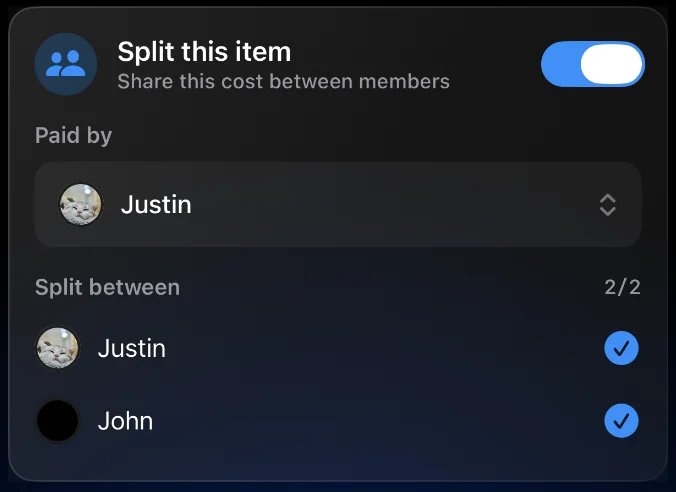
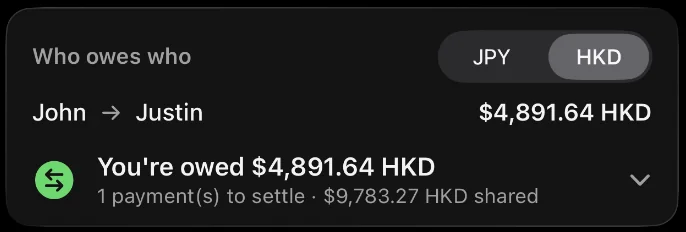
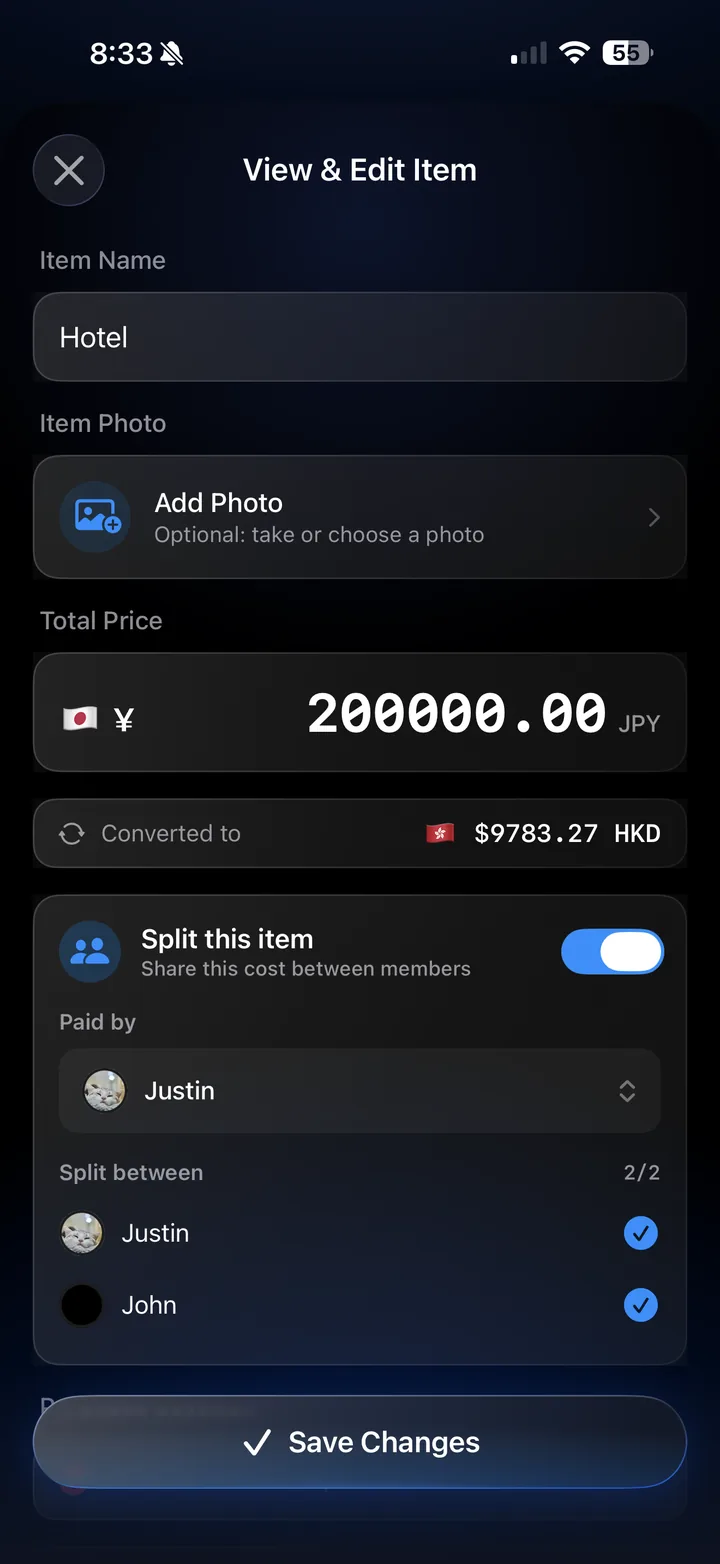
Invite your travel companions with a single link. Everyone adds expenses to the same trip, splits are calculated automatically, and every change syncs live across all your phones.
Real screens from TripSum on iPhone, from the first scan to the final split.
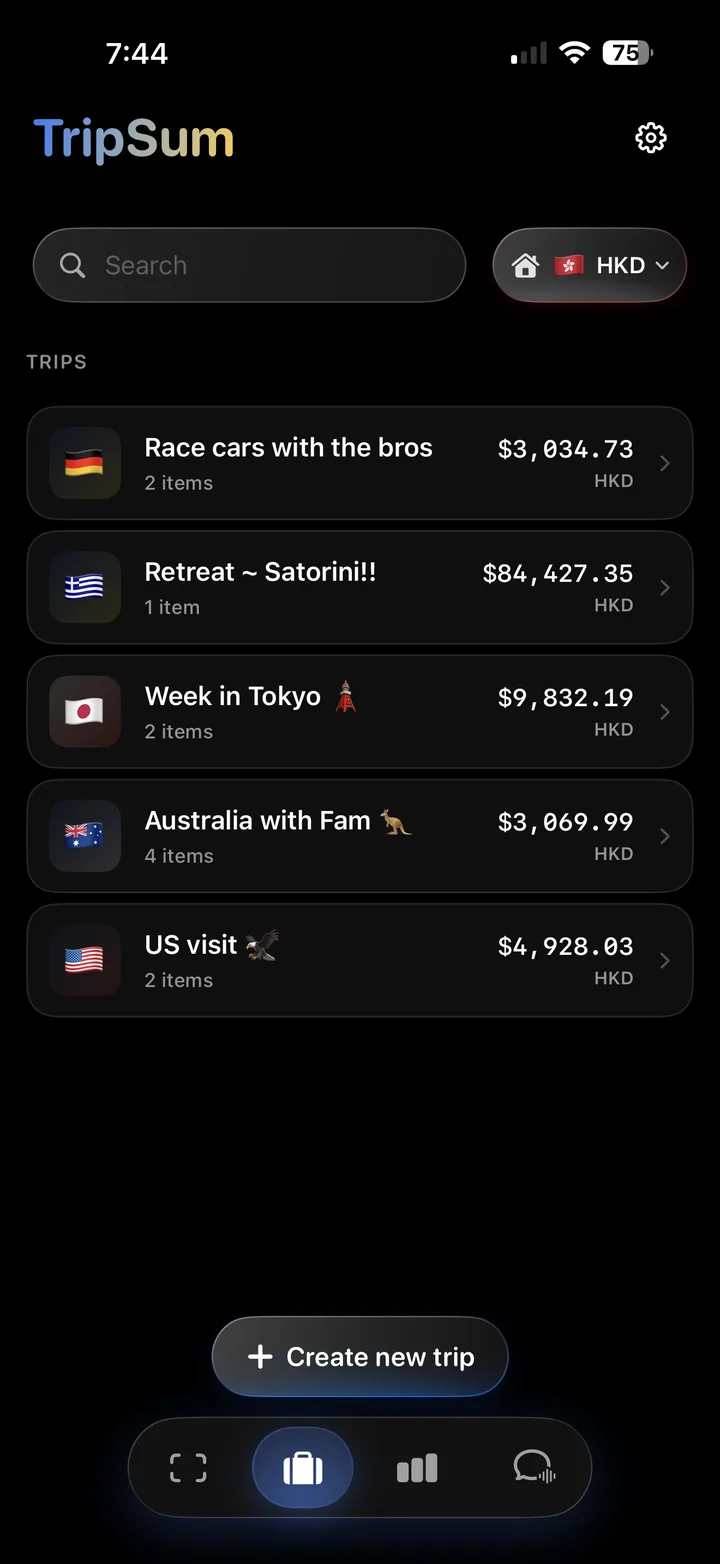
TripSum is live on the App Store. Download it free and start traveling smarter.
Download on the App StoreFree forever tier with no credit card required, and your receipts stay yours. How we handle data and refunds